Laptop problems · Split and the surrounding area
Laptop problems: what to check and how to reset a laptop
Pick what your laptop is doing and open the page for that fault.
What is your laptop doing?
Pick the one that best describes the fault.
Faults
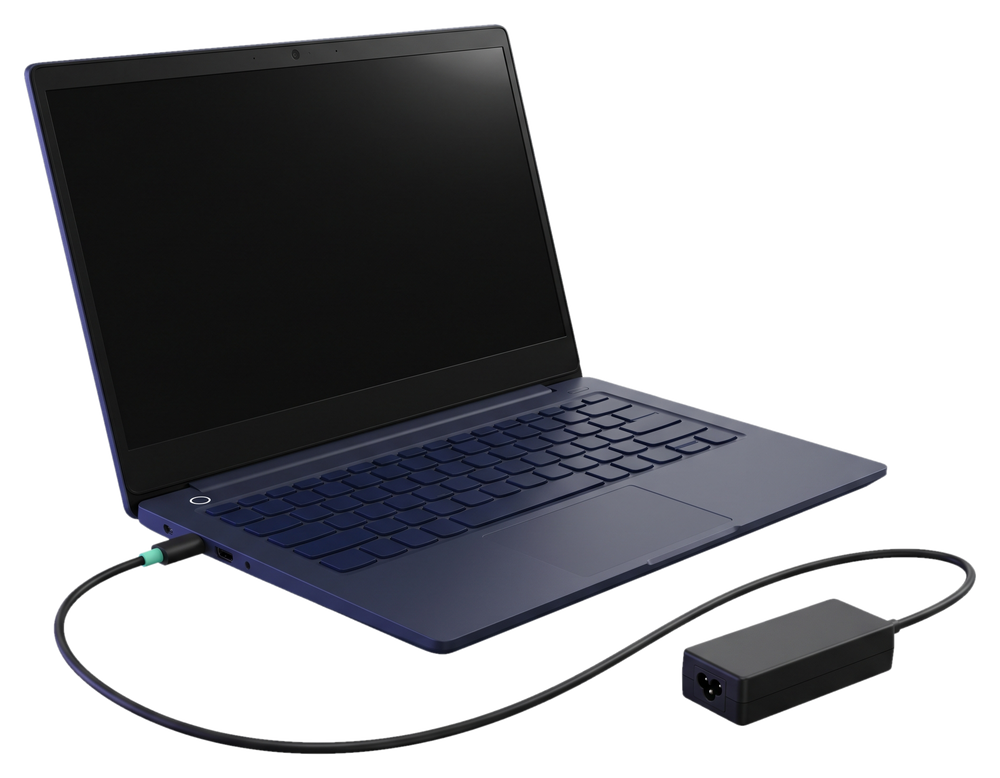
Laptop won't turn on
It doesn't react to the power button, or it shuts off right after starting.
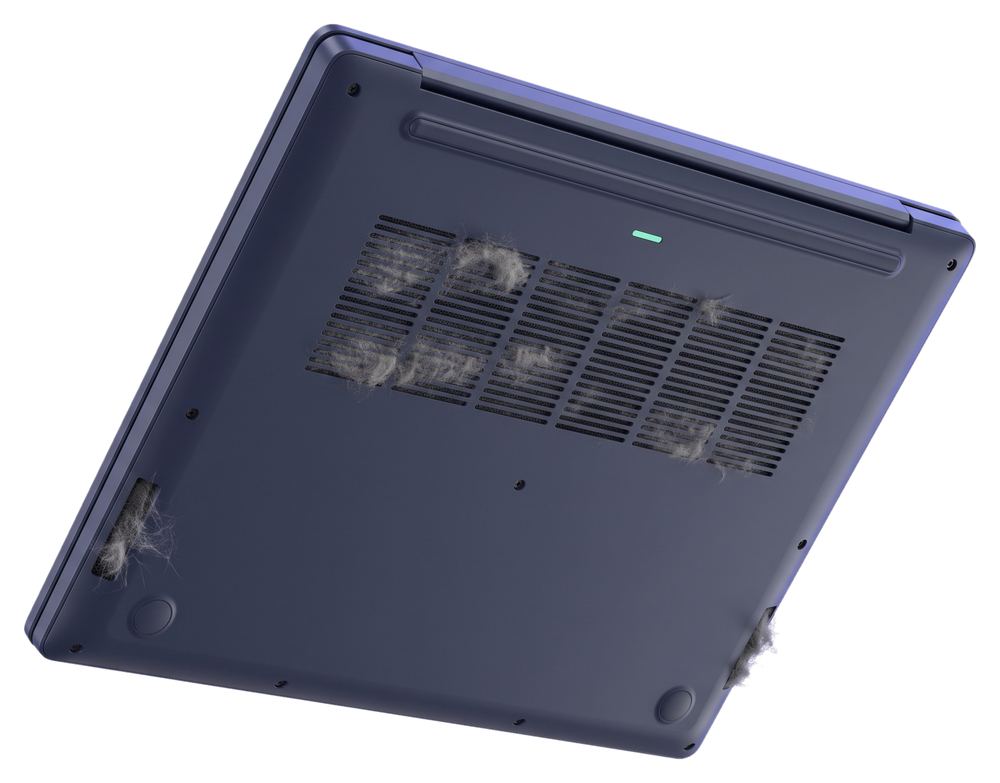
Laptop overheating
The fan is loud, the bottom is hot, or the laptop shuts off by itself while you work.
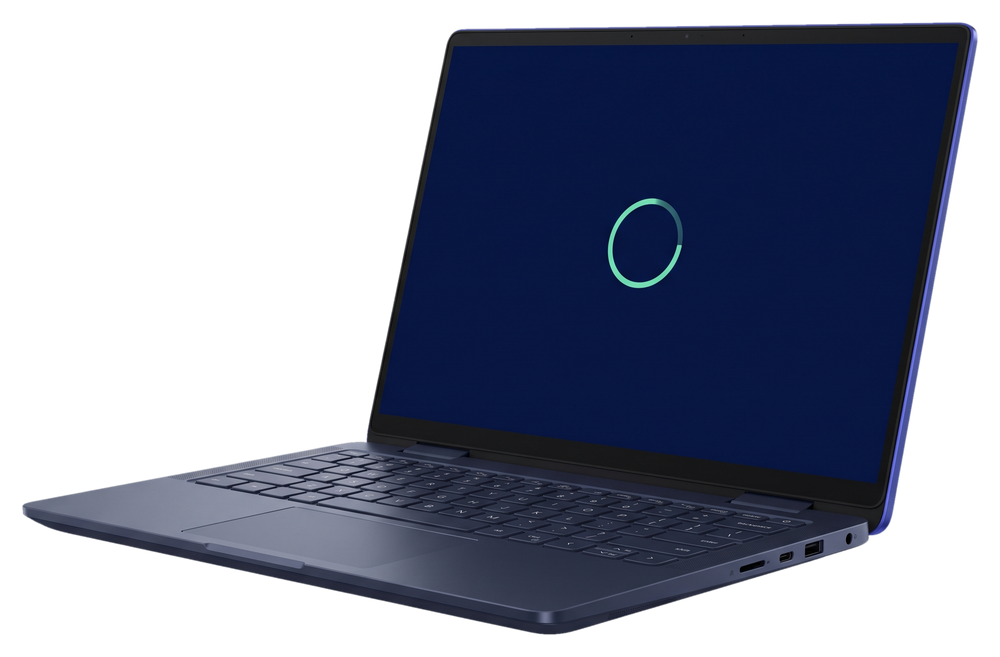
Laptop running slow
It takes ages to start, programs open slowly and everything lags.
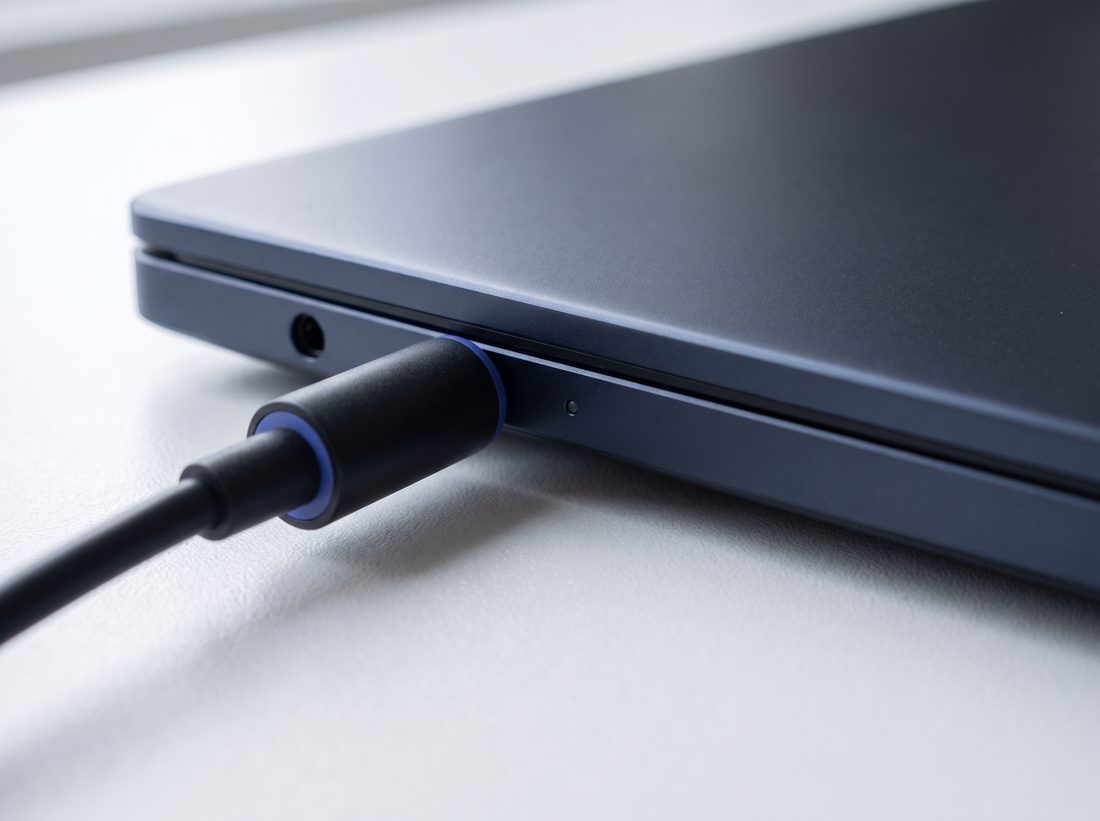
Laptop won't charge
The charger is plugged in, but the battery doesn't charge.
Screen and battery
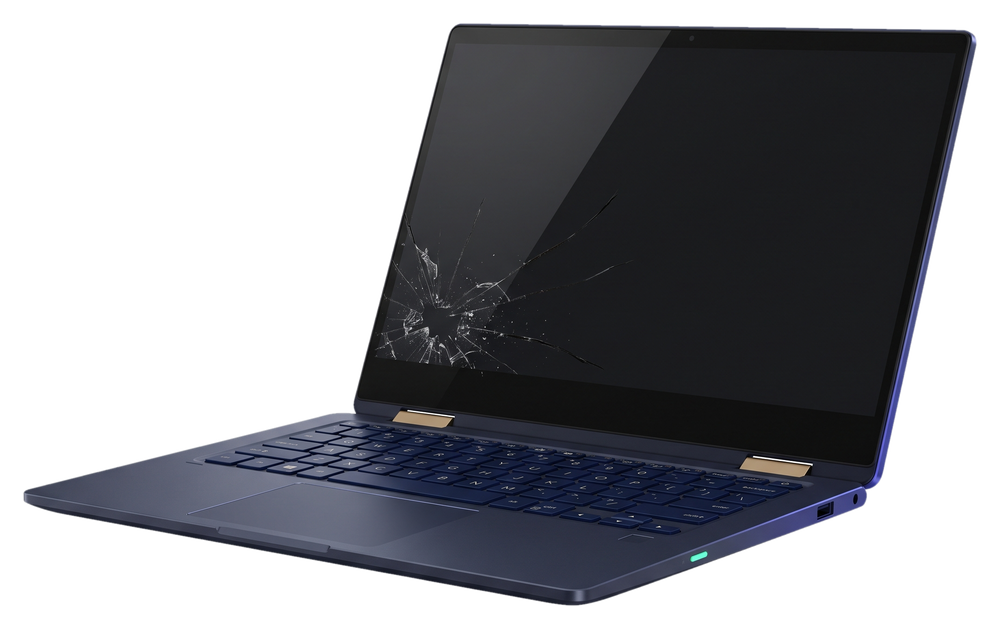
The screen is cracked or shows no picture
We replace laptop screens.
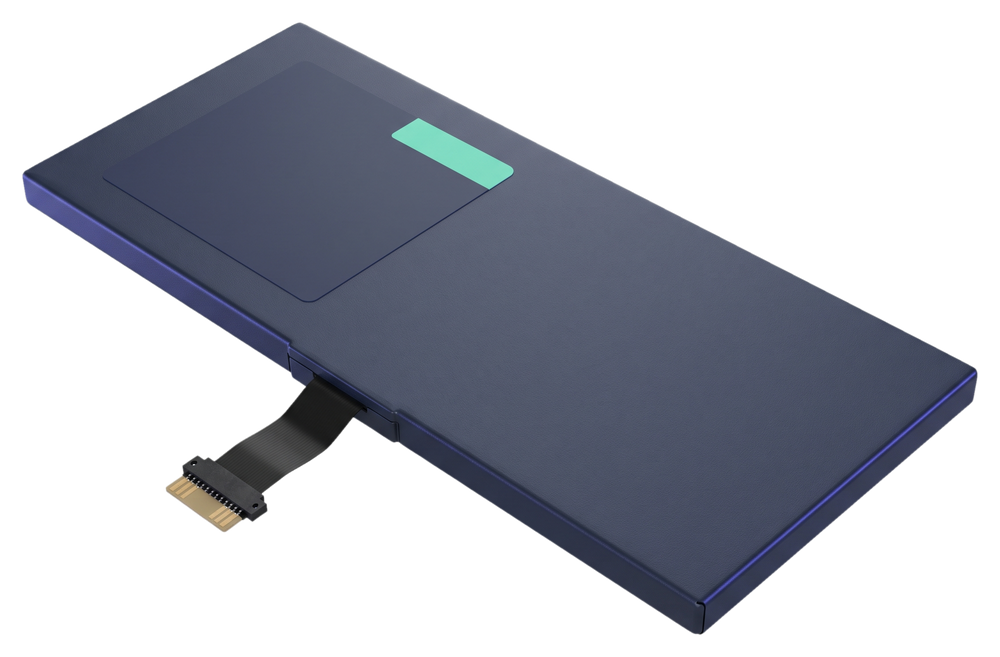
Battery doesn't last long
We check whether the battery is the cause, and we replace it.
Not on the list? Call +385 97 613 1940 and tell us what your laptop is doing.
Before you call
How to reset a laptop
These steps can help when a laptop freezes or stops responding, but they won't fix a faulty part.
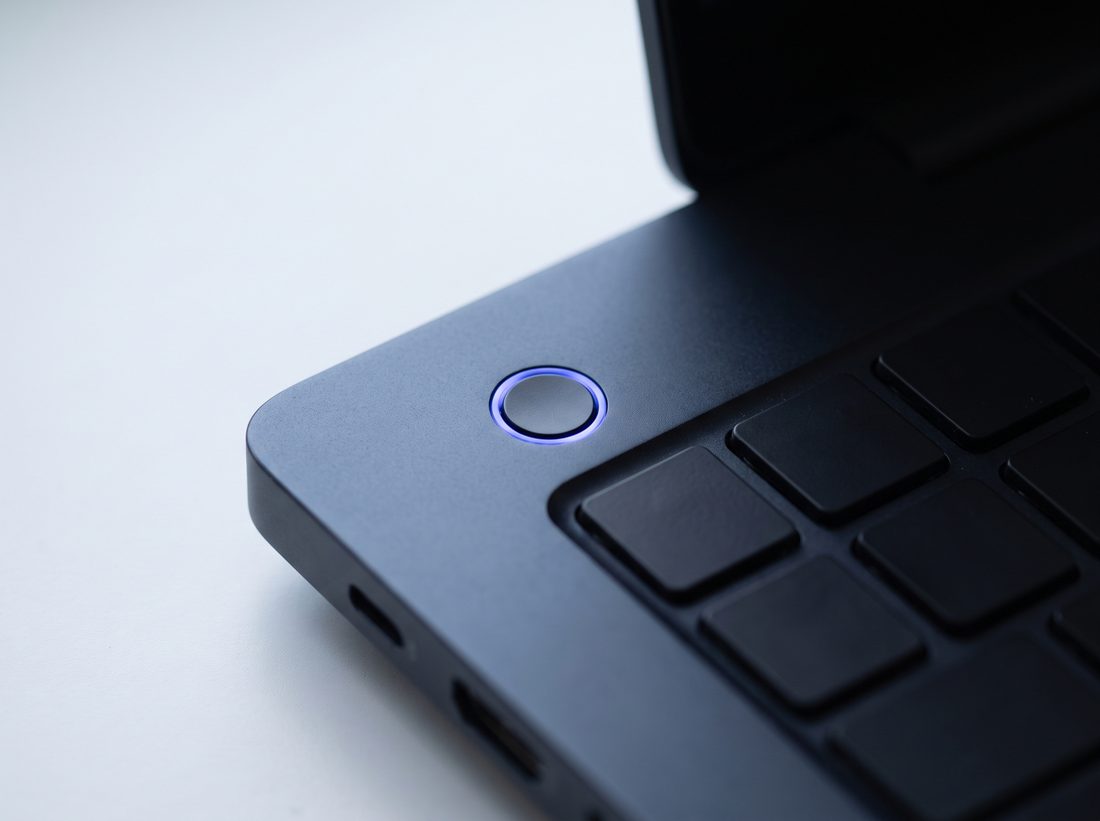
Force the laptop off
Hold the power button until the laptop turns off, then switch it on again.
This also restarts a laptop that won't wake up from sleep or hibernation.
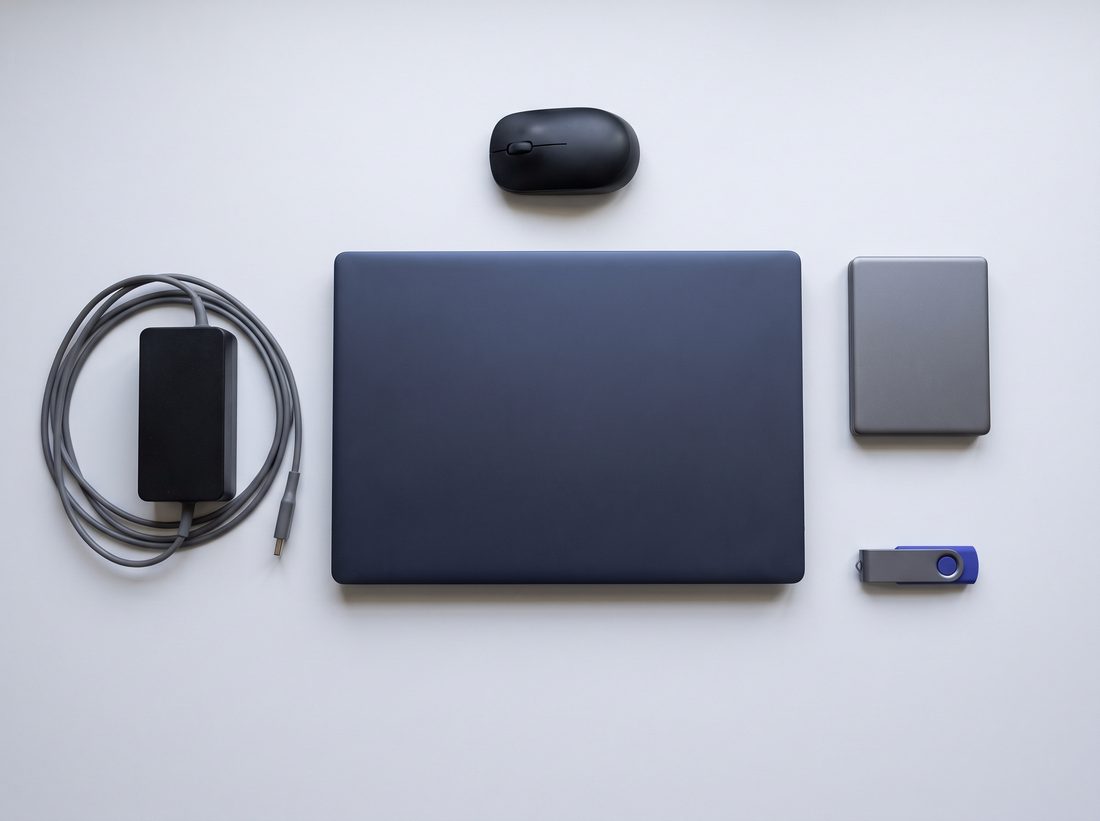
Unplug the charger and all accessories
Pull out the charger, USB stick, mouse and external drive. Wait a moment, plug the charger back in, then switch the laptop on.
Take the battery out only if it's removable, and put it back before switching on.
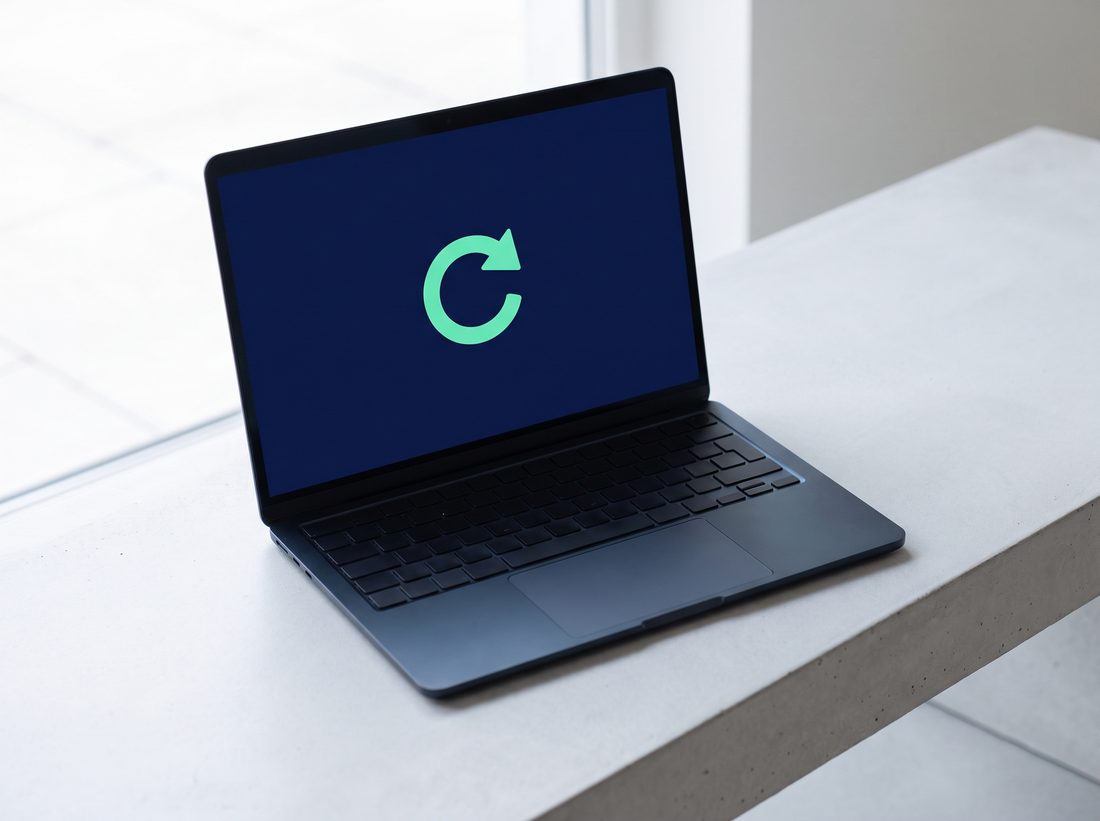
Reset Windows to its starting state
The option is in the Windows settings. It deletes programs, and depending on your choice, your files too. Save them to another drive or stick first.
Reset didn't help, or Windows won't start at all?
How your laptop gets to us
Call us
Or message us on WhatsApp and describe what your laptop is doing.
We pick up your laptop
Free, at your address.
We tell you when it will be ready
Roughly, once we've picked up the laptop.

30 kmfrom Trogir to Omiš
Outside that area you can send us your laptop by post.
After the check we tell you the price, and we only start work once you confirm it. If you have us do the repair, the check is included in the price.
Not sure what's wrong with your laptop?
Tell us what it does, or what it doesn't do, and since when. We arrange the collection in the same conversation.