Laptop problems · Split and the surrounding area
Laptop won't turn on? Possible causes and what you can do
The cause can be the charger, the battery, the motherboard or another part.
Tell us what happens when you press the power button: does a light come on, can you hear the fan?
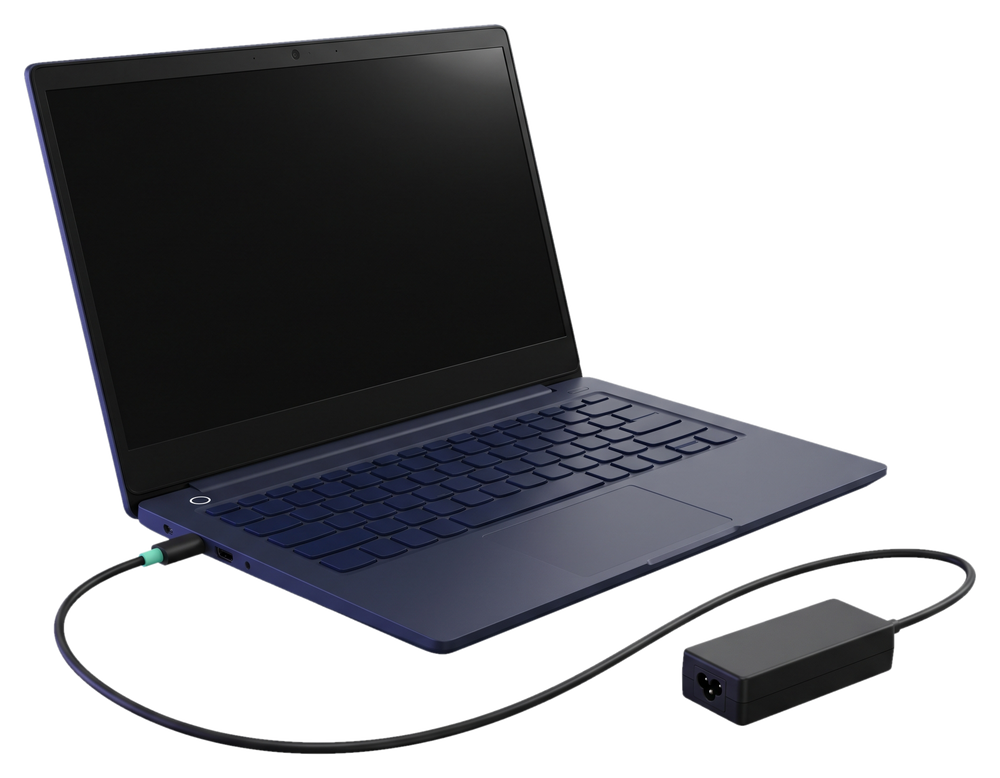
What's your case?
The same symptom can have several causes. These are the possibilities. We find out which one it is when we check your laptop.
Works on the charger, won't turn on without it
The cause can be the battery. We replace laptop batteries.
Won't turn on even with the charger plugged in
The cause can be the charger, the charging port, the battery or the motherboard. We repair the charging port, and we repair or replace the motherboard.
A light is on or the fan runs, but the screen is black
The cause can be the screen, but it can also be another part. We replace laptop screens.
It turns on, but Windows won't load
The cause can be the system or the drive. We install Windows again, and we can replace an old drive with an SSD.
It turns on, then shuts off after a few seconds
The cause can be the battery, the cooling or another part. We see which one when we check the laptop.
It got wet or it was dropped
Don't turn it on. Contact us. We also repair laptops damaged by liquid.
You can't tell from the symptom which part is at fault. We check the laptop, tell you what needs to be done and what it costs, and we only start work once you confirm. If a repair isn't worth it, we tell you before any work, and the decision is yours.
Check the power
These checks don't repair the fault, but they rule out the simplest causes.
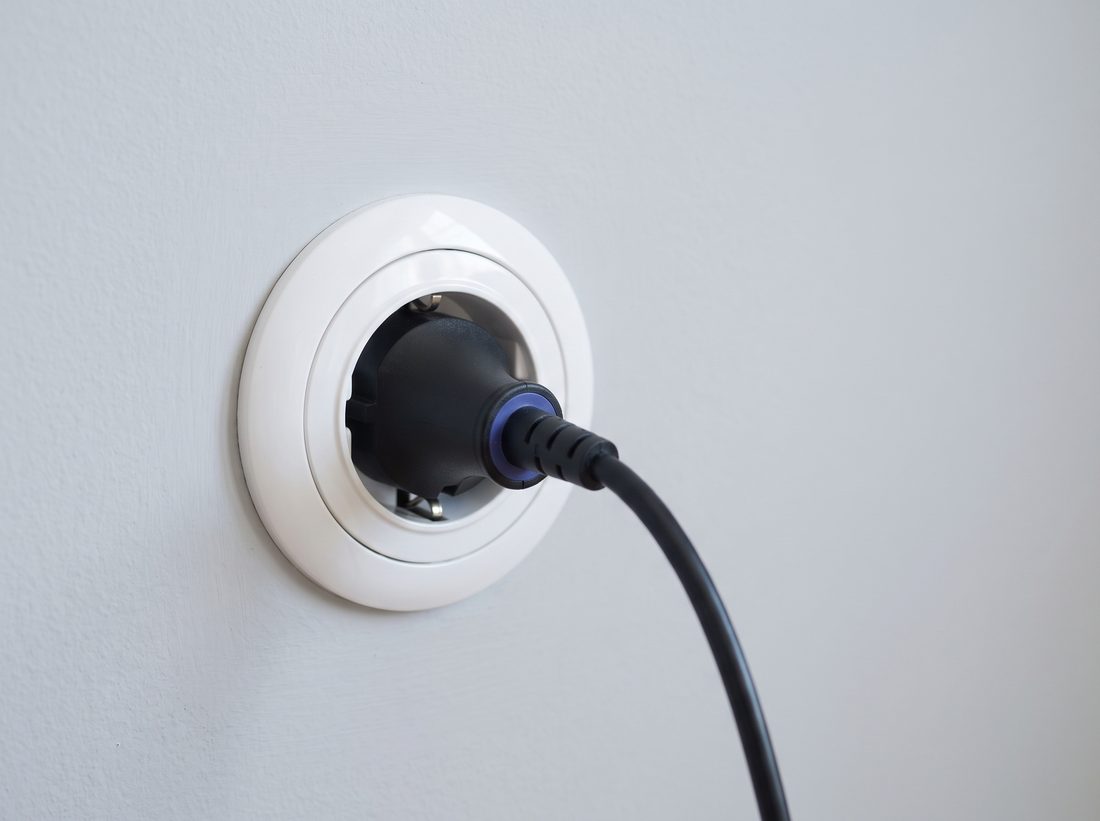
Another wall socket
Plug the charger into a different socket, without an extension cord.
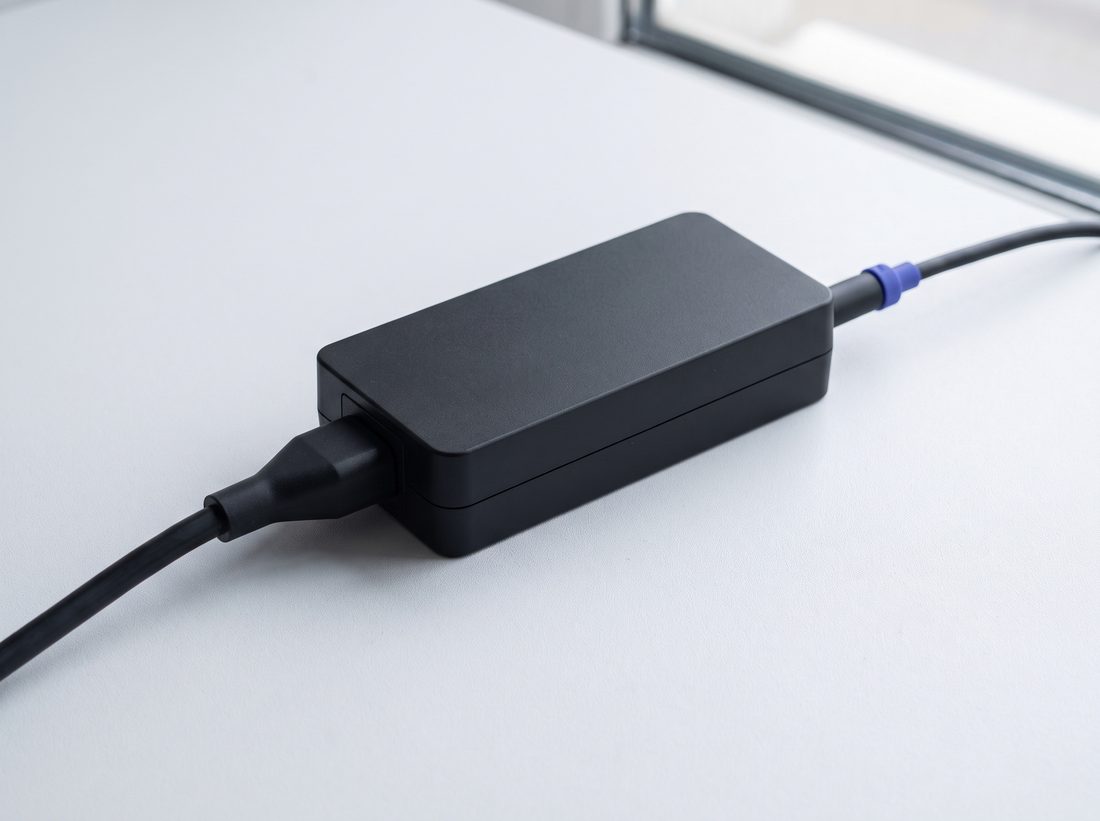
Cable in the laptop
Check that the charger cable sits firmly in the laptop and in the charger.
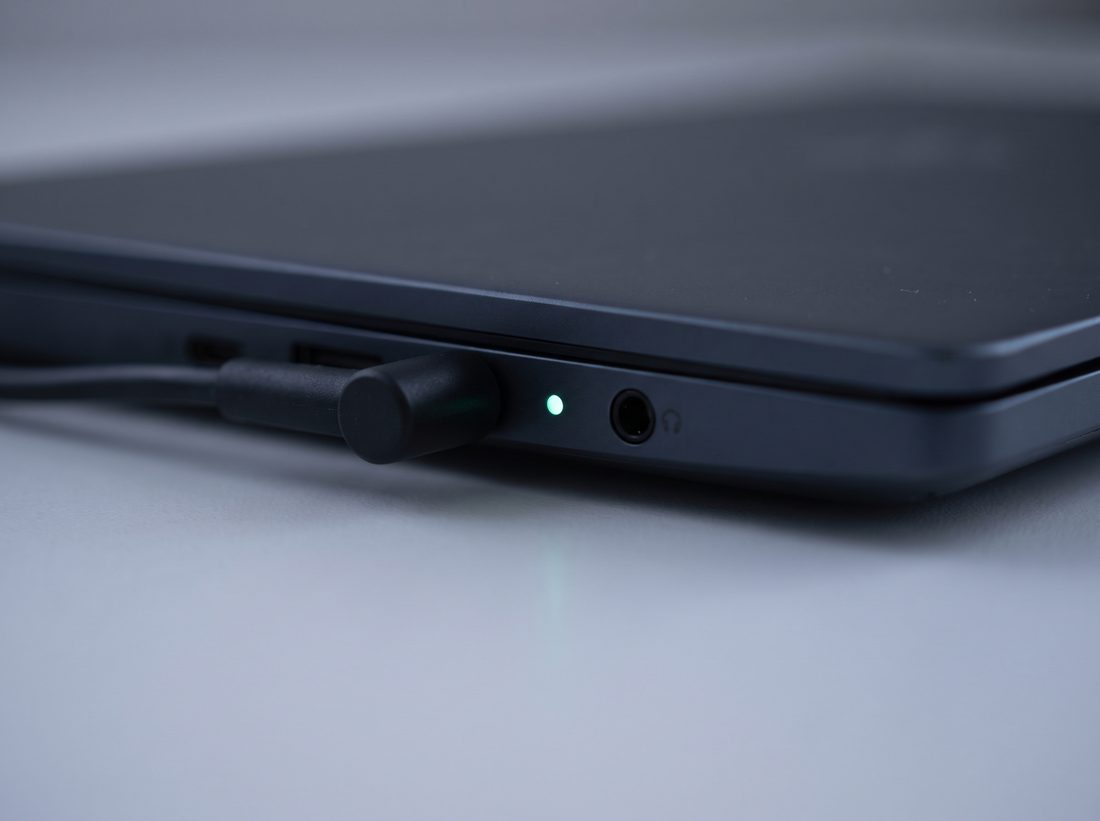
Light on the charger
Check whether the charging light is on, if your charger or laptop has one.
Power is fine, but the laptop still won't turn on?
Until we check the laptop
Don't turn on a laptop that got wet
Unplug the charger and don't try to turn it on. Power running through wet parts can cause more damage.
Don't charge it if you smell burning
Unplug the charger and leave the laptop off.
Don't open the case without the right tools
Clips and thin cables break easily, and the fault gets worse.
Worried about the data on your laptop? Tell us when you call.
Questions when a laptop won't turn on
My laptop won't turn on, even on the charger. What should I do?
Plug the charger into a different socket and check that the cable sits firmly in the laptop. If it still won't turn on, call us. We find the cause when we check it.
Will I lose my data if my laptop won't turn on?
That depends on which part is faulty. When you call, tell us your data matters to you. Data recovery and data transfer are part of what we do.
How much does it cost to repair a laptop that won't turn on?
It depends on which part isn't working. You'll find prices in the price list. After the check, we tell you the final price and what needs to be done. We only start work once you confirm. If you have us do the repair, the check is included in the price.
Do you come to pick up a laptop that won't turn on?
Yes. We pick up the laptop from your address free of charge within 30 km, from Trogir to Omiš. We agree the place and time by phone. Outside that area, you can send us the laptop by post.
How long does a repair take?
It depends on the fault and on whether a part has to be ordered. When we pick up the laptop, we tell you roughly when it will be ready.
Tell us what happens when you try to turn it on
Does a light come on, can you hear the fan, did it get wet or dropped? We arrange the pickup in the same conversation.