Laptop problems · Split and the surrounding area
Laptop won't charge? Possible causes and what you can check
The cause can be the charger, the battery, the charging port on the laptop or another part.
Tell us if the charging light comes on and if you have to wiggle the cable to make the laptop charge.
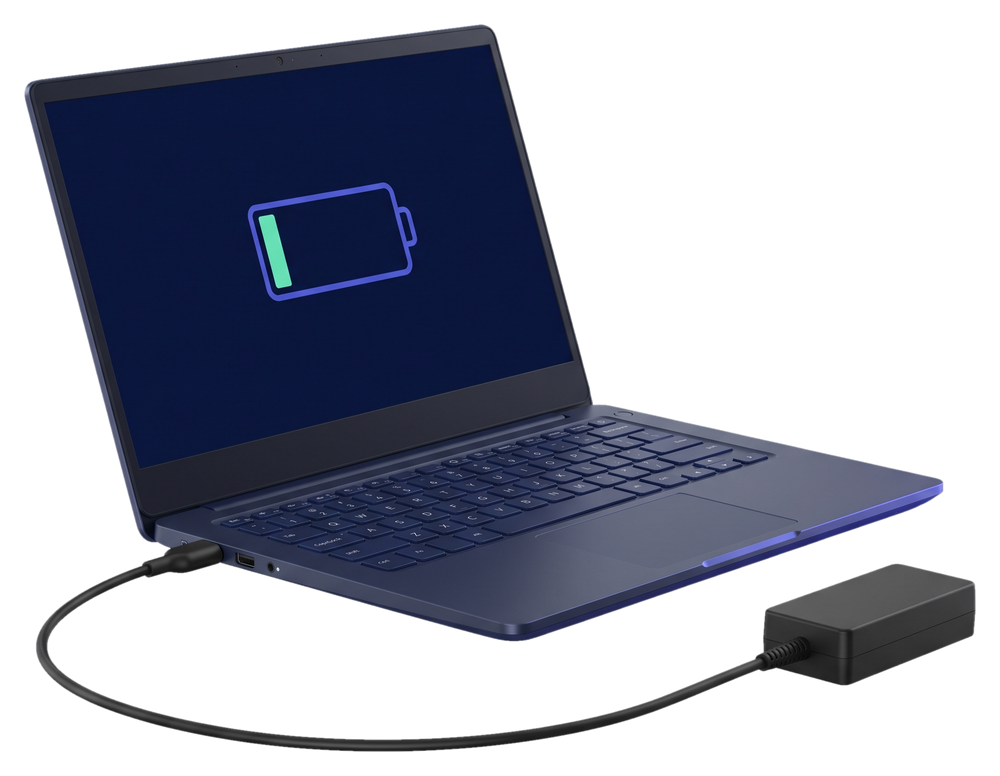
What exactly is your laptop doing?
The same symptom can have several causes. Here are the possibilities. At the check we find out which one is behind your laptop's problem.
Charging cuts out when you move the cable
The problem is the cable or the charging port. We repair the port, and at the check we see which part is at fault.
The battery doesn't charge even though the charger is connected
The battery is the most common culprit. We do laptop battery replacement too.
The laptop only works on the charger
This usually points to the battery. We test it before replacing it, so you don't pay for a part you don't need.
The charging light doesn't come on
The problem can be the charger, the cable or the laptop itself. We find out which part isn't working at the check.
The charging port is hot
For safety, unplug the charger from the wall right away and don't use the laptop. Call us and tell us what happened.
The laptop won't turn on, even with the charger
The cause can also be outside the charging system. Get in touch and describe what happens when you try to turn it on.
Charging depends on several parts, and they all look the same until we open the laptop. At the check we find which one is at fault, tell you the price and start work only after you confirm.
Check the charger and the wall socket
These checks don't repair the fault, but they rule out the simplest causes.
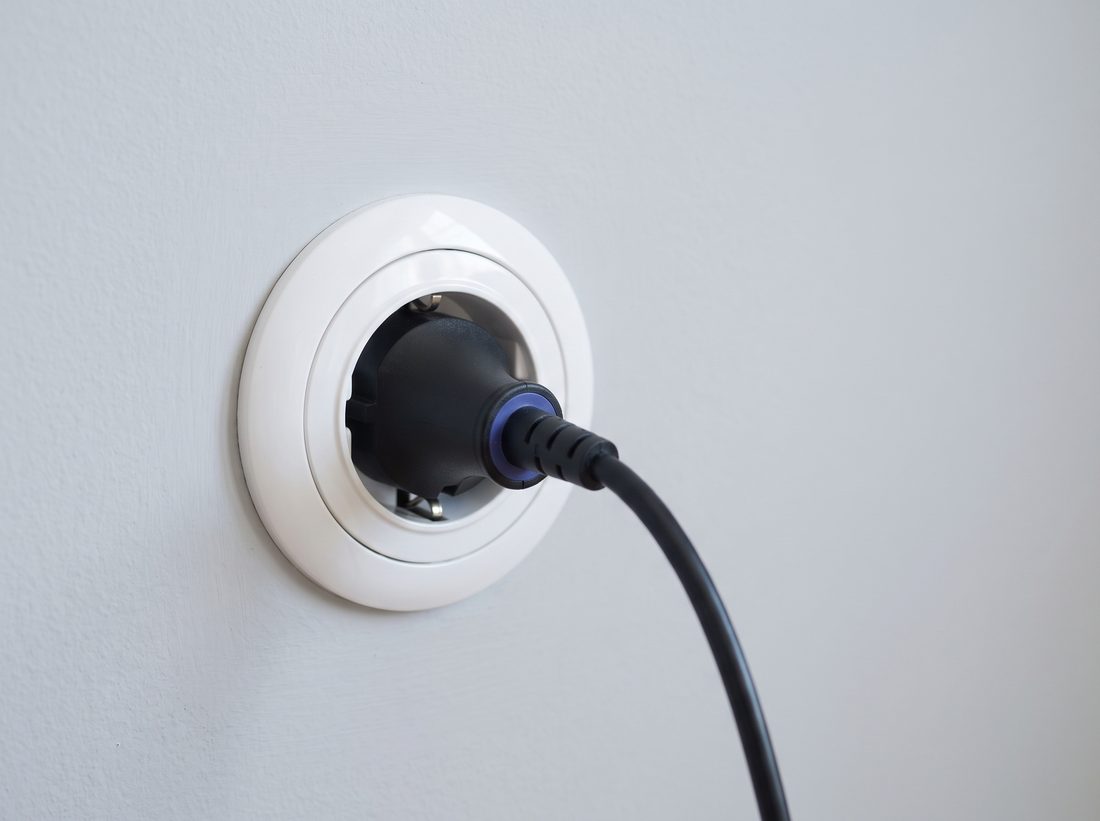
Another wall socket
Plug the charger straight into a different wall socket, without an extension cable.
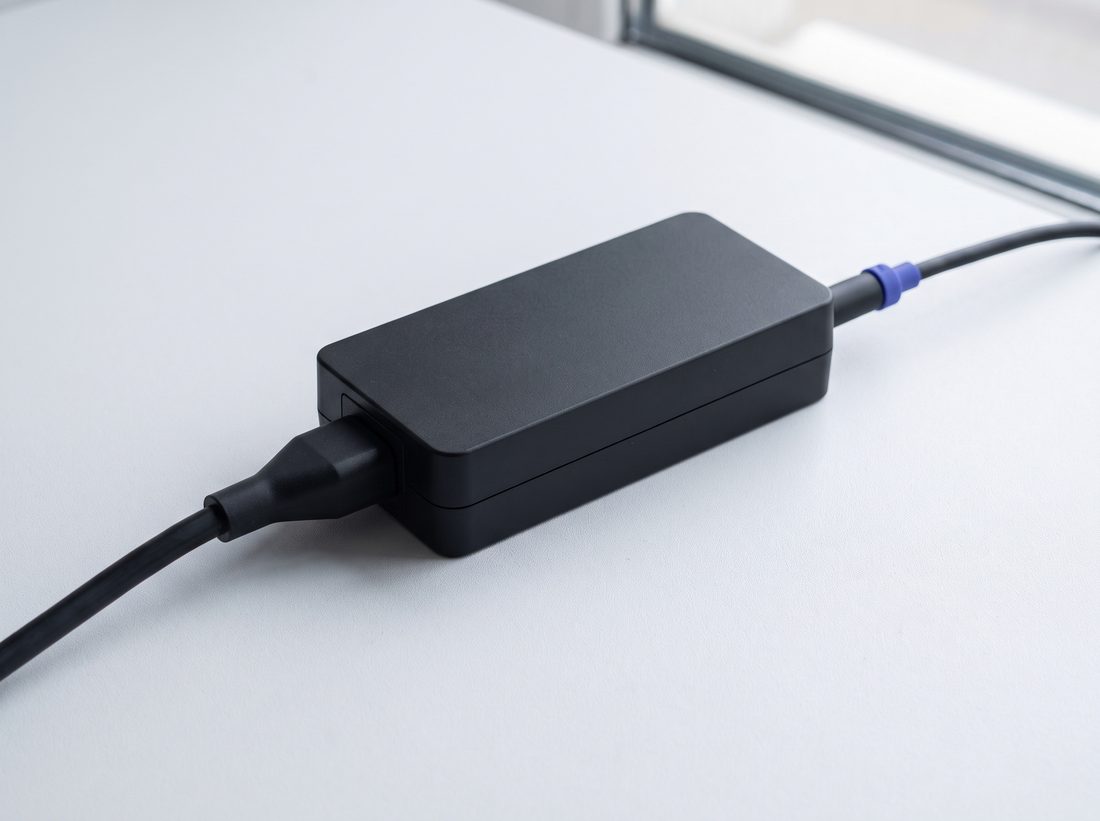
Both ends of the cable
The charger has two ends: one goes into the wall socket, the other into the laptop. Check that both are pushed in all the way.
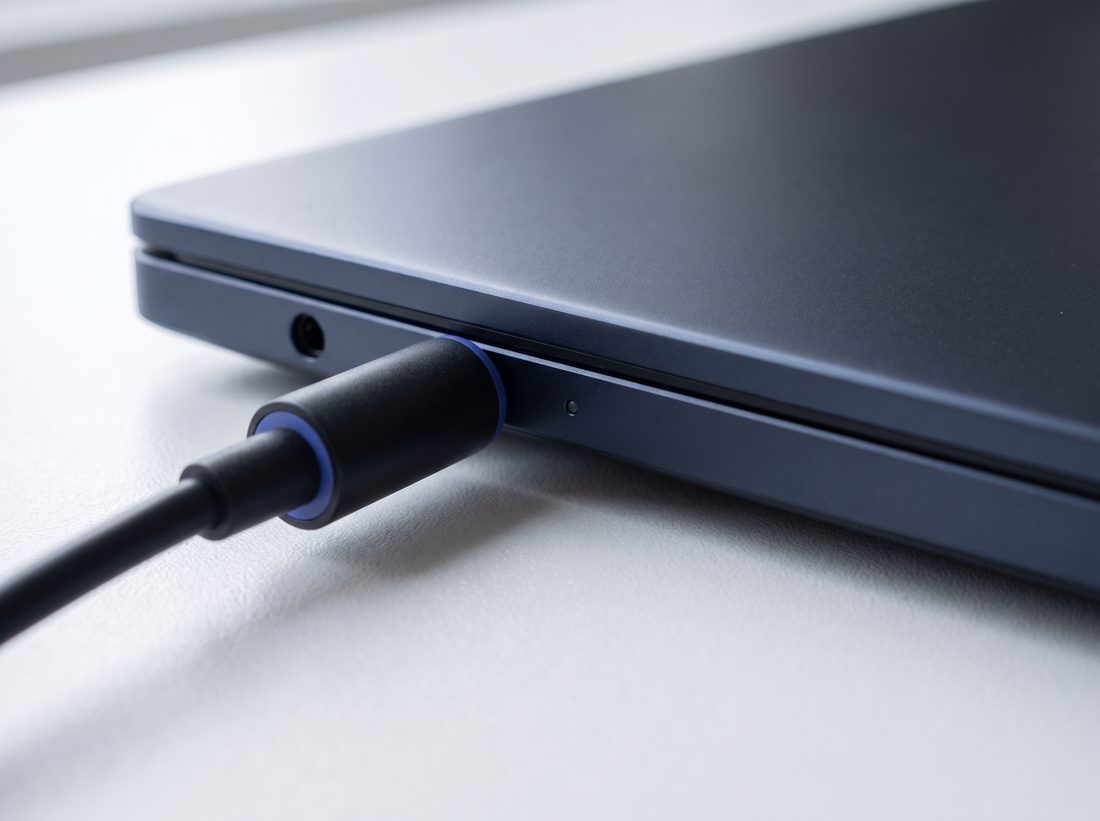
Charging port
Look for dust in the port and check that the cable sits firmly when you plug it in.
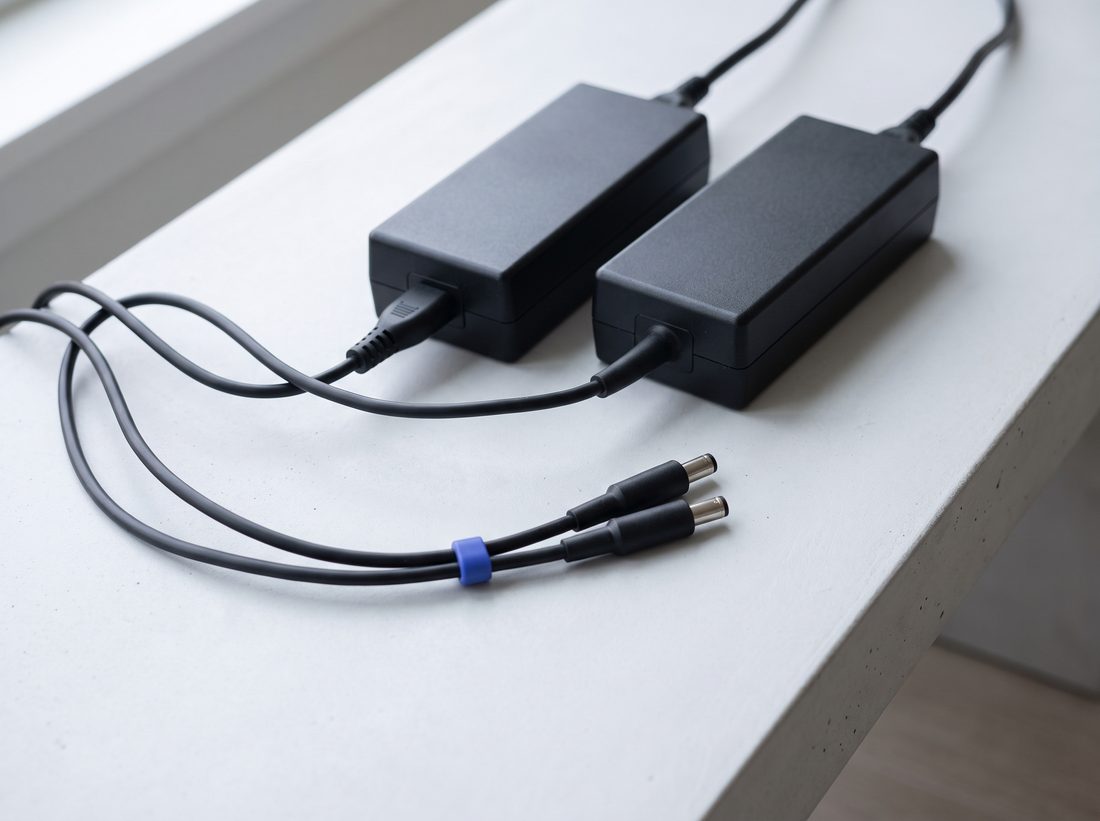
Another charger
If you have a charger with the same power rating and the same plug, try it. If the laptop charges then, the problem was the charger.
Charger and wall socket are fine, but the laptop still won't charge?
Until we see your laptop
Don't use a charger that gets hot or sparks
Pull it out of the wall socket and leave the laptop off.
Don't force the cable into the port
If the cable needs wiggling, extra force can do more damage.
Don't charge a laptop with a swollen battery
If the touchpad or the bottom cover has lifted, the battery may be swollen. Don't charge the laptop, and get in touch with us.
Don't take the laptop apart to reach the port
Clips and thin cables break easily, and the fault gets worse.
Not sure if it's safe to leave the laptop on the charger? Call us and describe what's happening.
Questions when a laptop won't charge
My laptop won't charge. Is it the battery or the charger?
You can't tell from the symptom. The cause can be the charger, the cable, the battery or the charging port on the laptop. We go through them at the check and tell you which part isn't working. We replace batteries and repair the charging port.
Can I try another charger myself?
You can, but only one with the same power rating and the same plug. If the laptop charges then, the problem was the charger. If it still won't charge, get in touch.
How much does it cost to repair a laptop that won't charge?
It depends on which part isn't working. You'll find prices in the price list. After the check, we tell you the final price and what needs to be done. We only start work once you confirm. If you have us do the repair, the check is included in the price.
Do you pick up the laptop?
Yes. We pick up the laptop from your address free of charge within 30 km, from Trogir to Omiš. We agree the place and time by phone. Outside that area, you can send us the laptop by post.
How long does a repair take?
It depends on the fault and on whether a part has to be ordered. When we pick up the laptop, we tell you roughly when it will be ready.
Tell us how your laptop behaves on the charger
Does the charging light come on, does the battery percentage go up, do you have to wiggle the cable? We arrange the pickup in the same conversation.