Laptop repair · Split and the surrounding area
Is your laptop overheating and the fan loud? Laptop dust cleaning
We clean the dust out of your laptop's fan and heatsink and replace the thermal paste.
Describe what the laptop does in your own words. "It runs hot and it's loud" is enough.
Does this sound like your laptop?
The fan is always loud
You can hear it even when you're just browsing or typing.
It's hot to the touch
The bottom or the area above the keyboard gets too hot to keep on your lap.
It shuts off by itself
It turns off in the middle of work, with no message and no warning.
The longer it runs, the slower it gets
It works normally at first, then everything slows down as it heats up.
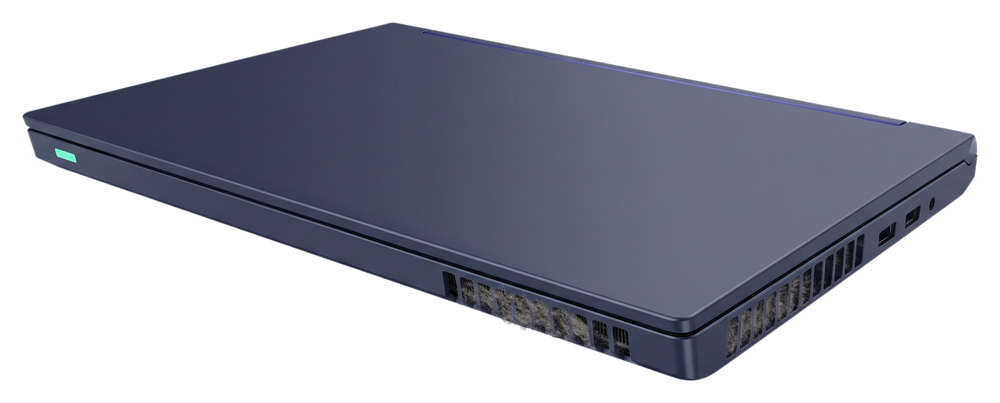
Hardly any air comes out of the vents
You barely feel any airflow at the vent, or you can see dust in the grille.
These signs can also mean a different fault. That's why we check the laptop first, then tell you what needs to be done.
How we improve your laptop's cooling
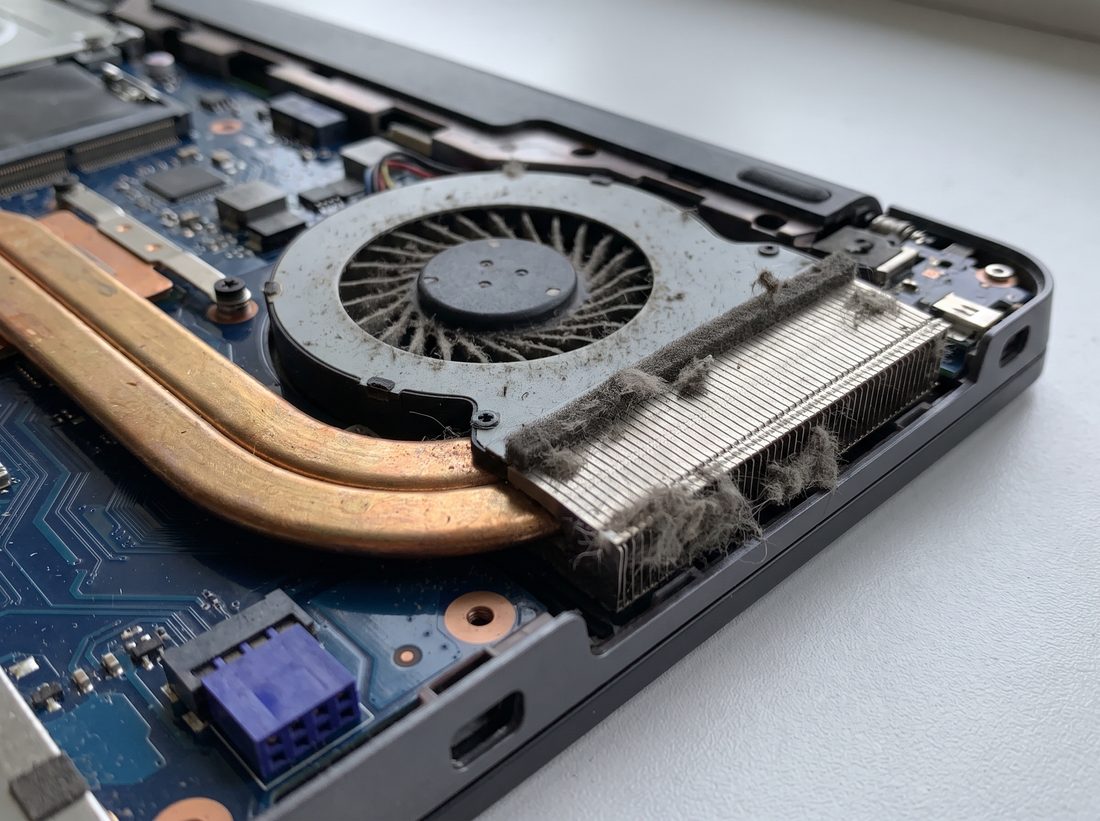
Fan and heatsink cleaning
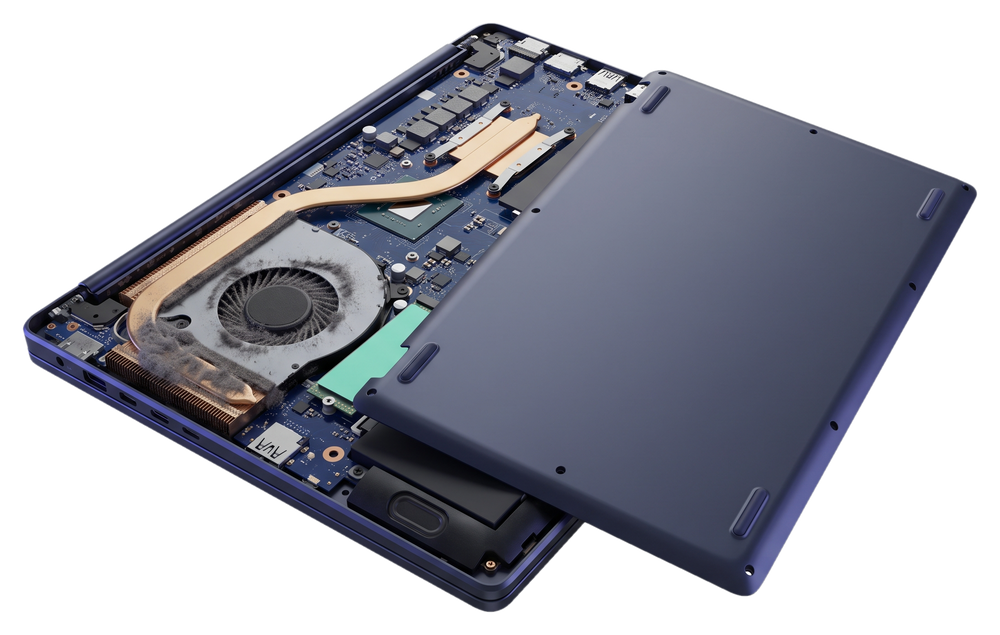
We open the laptop and clear the dust from the fan and the heatsink fins. The air that cools the processor flows through those fins.
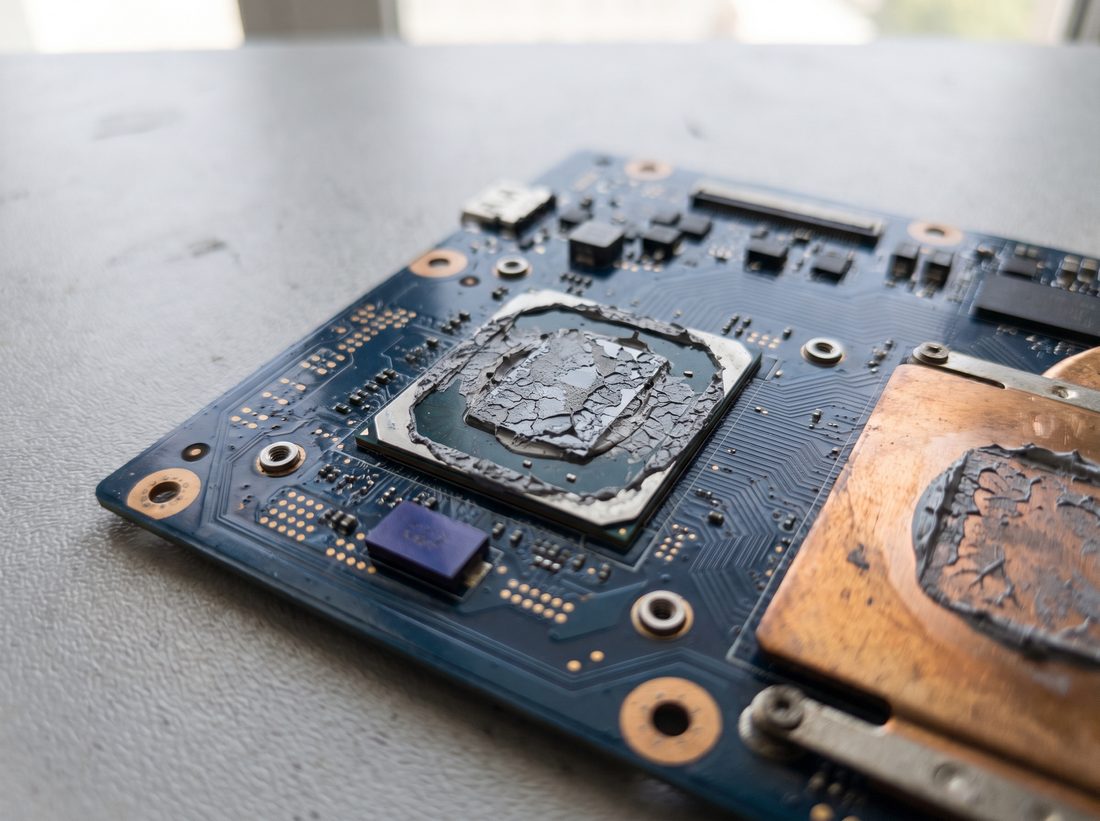
Thermal paste replacement
Thermal paste moves heat from the processor to the heatsink. We remove the old paste and apply new paste.
Cooling is just one part of our laptop work.
How your laptop gets to us
Call us
Or message us on WhatsApp and describe what your laptop is doing.
We pick up your laptop
Free, at your address.
We tell you when it will be ready
Roughly, once we've picked up the laptop.

30 kmfrom Trogir to Omiš
Outside that area you can send us your laptop by post.
Once we've checked the laptop, we tell you what needs to be done and what it costs. We only start work after you confirm the price. There are no hidden costs.
Cleaning price in the price listHow we work, from the call to getting your device back
Questions about laptop cleaning
How much does laptop cleaning cost?
We tell you the price once we've checked the laptop, before we start work. If you have us do the work, the check is included in the price.
How long does the cleaning take?
Once we've picked up the laptop, we tell you roughly when it will be ready.
What if the cause isn't dust?
We check the laptop and tell you what needs to be done and what it costs, and you decide.
Do you replace the fan if it's broken?
Yes, if the fan for your laptop can be ordered. We give you the price before the work, and you decide.
Do you clean desktop computers too?
Yes. On desktop computers we also clean the fan and heatsink and replace the thermal paste.
Can I get in touch after the repair?
Yes. Get in touch with us after we give your laptop back.
Tell us how your laptop behaves
Tell us when it's loud, how hot it gets and whether it shuts off by itself. We agree on pick-up in the same conversation.